AI Watermark Remover
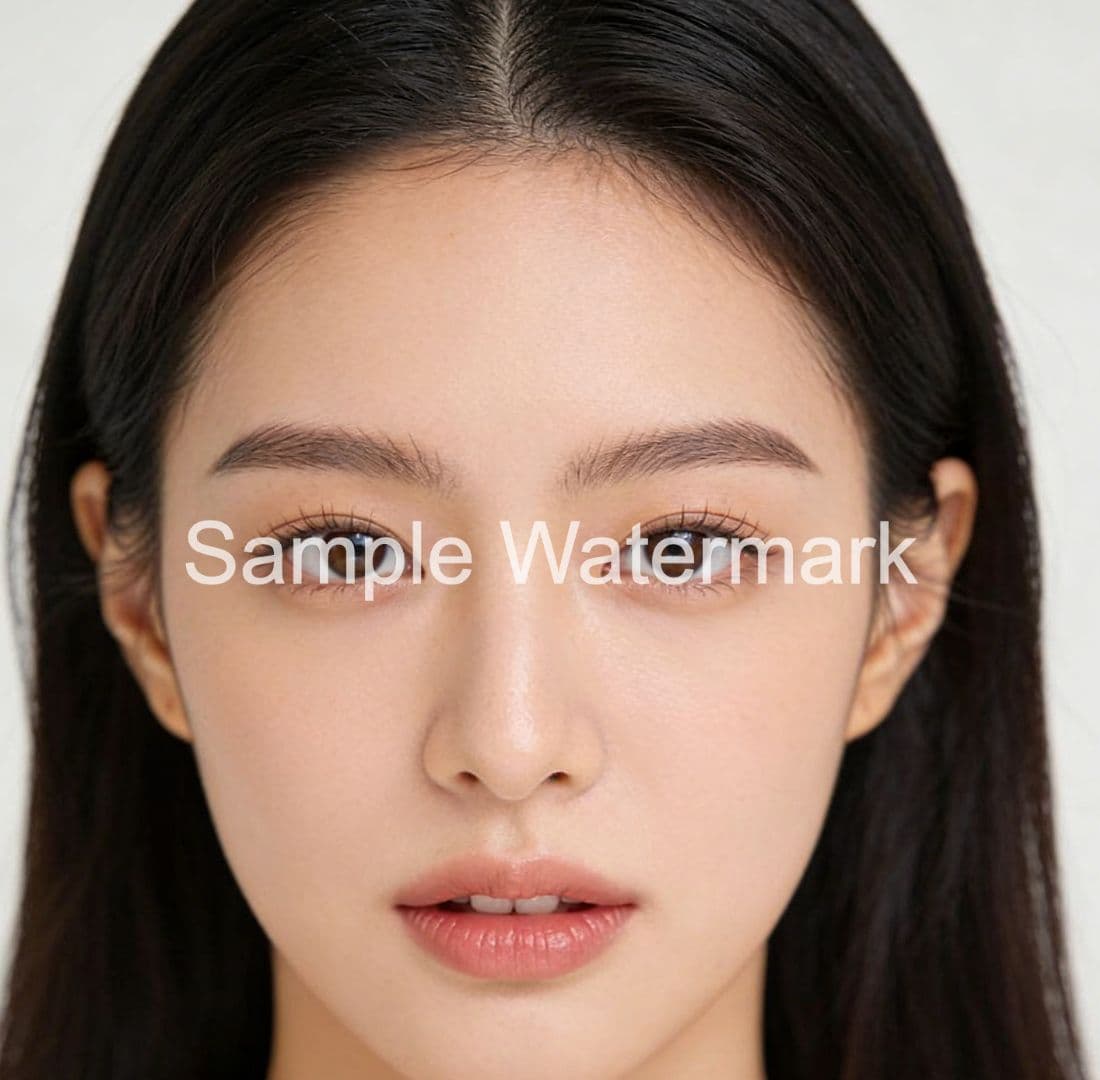
Remove watermarks seamlessly with AI. Draw mask over watermark, and our AI restores the image naturally.
✨ See the Magic
Drag to compare

Upload Your Image
Choose an image with watermark you want to remove
Key Features
Powerful AI Technology
Everything you need for professional watermark removal
AI Powered
Advanced AI algorithms intelligently remove watermarks while maintaining image quality
Precise Control
Manually draw masks to precisely mark areas to be removed with complete control
Fast Processing
Lightning-fast processing speed, complete watermark removal in seconds
Why Choose Our AI Tools?
Professional image editing made simple. No technical skills required.
How this watermark remover works
The AiFixMark watermark remover deletes text and logo watermarks from images using AI inpainting: you brush a mask over the watermark, and the model rebuilds the covered pixels from surrounding texture, usually in 10–30 seconds. Pixels outside your mask are never touched, so the rest of the photo keeps its original resolution.
Upload your image
Drag in a JPG, PNG, or WebP file up to 10 MB. Large images are resized automatically before processing.
Brush over the watermark
Paint every part of the watermark. A tight mask that hugs the watermark edge gives cleaner inpainting than a loose blob.
Preview and download
Compare the before/after result, then download the cleaned image in its original format. Re-run with a tighter mask if traces remain.
The technology, plainly
Processing runs on inpainting models hosted by Replicate. The default model is LaMa — a fast Fourier-convolution network designed for high-resolution image inpainting; complex textures fall back to Stable Diffusion inpainting. Your image is sent to Replicate over HTTPS to run the model and is not permanently stored by AiFixMark.
What it can and cannot do
- Removes well: text watermarks, corner logos, and semi-transparent marks over sky, walls, water, product surfaces, and other uniform or textured backgrounds.
- Struggles with: watermarks crossing faces, small text, hair, or hard edges — expect visible softening in those patches.
- Cannot do: recover the original pixels hidden under the watermark. Inpainting generates plausible replacements; it is reconstruction, not restoration.
- Use it legally: only on images you own or are allowed to edit. Stripping watermarks from stock previews or others' work violates copyright.
Use Cases
Perfect For
Common watermark removal scenarios
Stock Photo Cleanup
Remove website watermarks and logos from stock preview images. Perfect for designers testing layouts before purchasing final images.
Brand Asset Recovery
Clean up old branded materials by removing outdated watermarks. Reuse marketing assets without creating everything from scratch.
Portfolio Preparation
Remove demo watermarks from sample work before adding to your professional portfolio. Present clean, polished examples to clients.
Social Media Sharing
Remove app watermarks from screenshots and edited photos before sharing to social platforms. Create cleaner, more professional posts.
FAQ
Frequently Asked Questions
Find answers to common questions about watermark removal
Can AI remove all types of watermarks?
Will removing watermarks affect image quality?
Is it legal to remove watermarks from images?
How do I handle watermarks on transparent backgrounds?
Let's talk about your problem.
Serving customers worldwide
Send us a Message
Continue Your Workflow
Enhance your images with our complete suite of AI-powered tools