🎉 Limited Time Offer: FREE to Use!Login now and enjoy unlimited usage
✨ AI-Powered • Precise Control • Instant Results

AI Text Remover

Remove unwanted text seamlessly with AI. Paint mask over text, and our AI fills the background naturally.

5-Second Processing
HD Quality Output
Privacy Protected
Free Tier Available
SSL Encrypted
GDPR Compliant
Auto-Delete Files

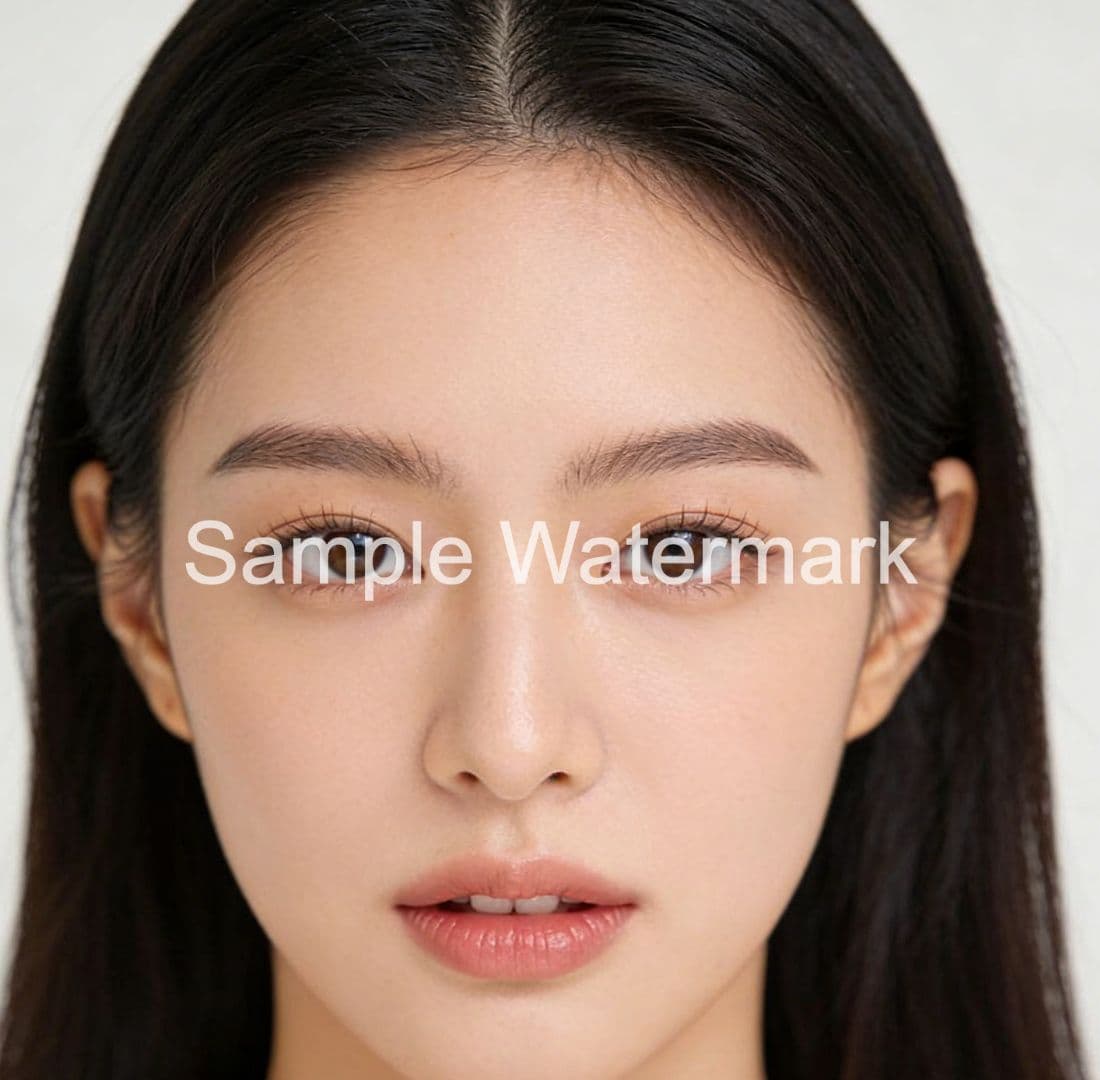
✨ See the Magic

Drag to compare

After - Text Removed
Before - Original
Before
After

Upload Your Image

Choose an image with text you want to remove

~5 seconds
Processing Speed
10MB
Max File Size
JPG, PNG, WEBP
Supported Formats
Original HD
Output Quality

Key Features

Powerful AI Technology

Everything you need for professional text removal

Precise Control

Draw masks to mark exact text areas you want to remove with complete control

Smart Detection

AI intelligently analyzes surrounding environment to create seamless results

High Quality

Maintains original image quality while removing unwanted text elements

Why Choose Our AI Tools?

Professional image editing made simple. No technical skills required.

No Photoshop Skills Needed
Simple upload and download process
Works in Your Browser
No software installation required
Save Hours of Manual Work
AI completes in seconds what takes minutes manually
Professional Quality Results
Production-ready output for any project
Try Before You Buy
Free daily credits to test all features
Credits Never Expire
Use them at your own pace

Use Cases

Perfect For

Common text removal scenarios

📱

Screenshot Cleanup

Remove timestamps, battery indicators, and UI elements from mobile screenshots. Clean up screen captures for presentations and documentation.

📄

Document Processing

Remove watermarks, headers, footers, and stamps from scanned documents. Clean up official paperwork while preserving document content.

🎨

Meme Creation

Remove original captions or watermarks from images before adding your own text. Create clean memes from any image source.

🏪

Photo Restoration

Remove date stamps, "sample" watermarks, and overlay text from old photographs. Restore precious memories without distracting text elements.

FAQ

Frequently Asked Questions

Find answers to common questions about text removal

What types of text can AI remove from images?

Our AI can remove various text types including watermarks, captions, subtitles, timestamps, date stamps, overlay text, logos, and stamped text. It works on both machine-printed text and simple handwritten text.

How accurate is AI text removal compared to manual editing?

AI text removal achieves 90-95% accuracy for most cases, completing in seconds rather than the 10-30 minutes required for manual Photoshop work. Our AI analyzes the surrounding pixels to intelligently fill the area where text was removed.

Can I remove text from documents without losing the document content?

Yes, you can selectively mark only the text elements you want to remove (like watermarks, stamps, or headers) while preserving the actual document content. Use the brush tool to paint over the specific text areas you want removed.

Is there a limit to how much text I can remove from one image?

No strict limit! You can mark and remove multiple text areas from the same image. Each mask you paint and process counts as one credit operation, so you can tackle complex images with text in multiple locations.
Contact Us

Let's talk about your problem.

Our Location
Singapore
Serving customers worldwide
How Can We Help?
support@aifixmark.com
🎁
Feedback Rewards
Help us improve! If your suggestion or bug report is adopted, you'll receive:
30 Creditsinstant bonus
Premium Featuresfree trial access

Send us a Message

One feedback per day. We appreciate your input!